You Bought a TV and Got a Billboard: De-Bloating the Smart Home Screen in 2026
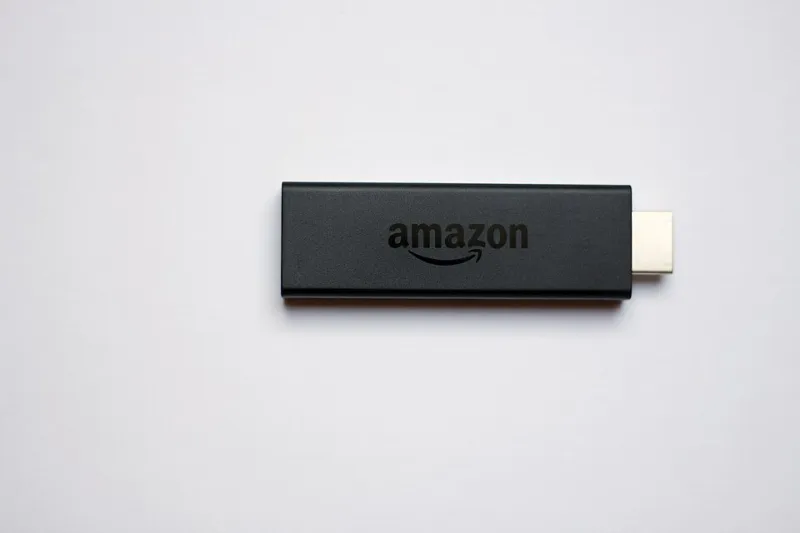
Photo: www.hdmi-experte.com, CC BY 4.0, via Wikimedia Commons
Turn on a new television in 2026 and count how many seconds pass before you see an advertisement. On some platforms it's zero. The ad is the loading screen. The ad is the wallpaper. In a few cases, the ad plays over the top of the interface while you're still reaching for the remote.
We paid for the hardware. We pay for the subscriptions. And somehow we're still the product being auctioned off in the living room. It's worth being precise about how that happened and what you can actually do about it.
The economics nobody mentioned at checkout
Television hardware has been a low-margin business for a long time, and in the streaming era it became a loss-leader for something else. That something else is the home screen.
A streaming stick that sells for a modest one-time price can generate revenue for years through promoted placements, autoplaying trailers, sponsored rows, featured app slots, and data about what you click and when. The device is the razor. Your attention is the blade subscription.
This is why the home screen looks less like a menu and more like a mall directory with someone following you around. A recommendation row that used to be driven purely by your habits now frequently has paid entries mixed in. A "featured" tile is rarely there because it's good.
How the four big platforms stack up
Roku is the most ad-forward of the group. Its home screen leans heavily on sponsored tiles, and the platform has become more aggressive about promotional content over time. The upside is interface familiarity and a genuinely broad app catalog. The downside is that you're never more than one click from an ad.
Fire TV has pushed hard toward promotional rails and autoplay previews that start talking at you unprompted. Amazon's incentive is obvious — it wants you inside Prime Video and it wants you buying things. The settings exist to quiet some of this down, but they're scattered across several menus and not all of them stay off after an update.
Google TV takes a middle path. The interface is cleaner and the recommendations layer is genuinely useful when it's on, but Google is a personalization company first, so the data collection is baked into the premise. You can tune how much of it you see, and there are meaningful privacy controls, but the default state is generous with your information.
Apple TV is the outlier. It's the most expensive box and the least interested in selling you things on the home screen. There are still promotions for Apple's own services, but the experience is largely free of third-party sponsored clutter. You pay upfront for a quieter interface, and that's the trade.
What the home screen actually learns
Every click on a recommended tile is a signal. So is every time you linger, back out, or search for something. Platforms use this to build a profile — what genres you favor, when you watch, which services get opened and which get ignored.
Some of that improves your experience. A recommendation engine that knows you like slow-burn thrillers is not inherently sinister. The problem is that the same profile also determines which sponsored slot gets shown to you, and the incentive to blur the line between editorial recommendation and paid placement is enormous.
A reasonable rule: assume anything in a "featured" position is advertising until proven otherwise, and treat the top row of your home screen as inventory.
The de-bloat playbook
None of this requires a new television. It requires about twenty minutes in settings and a willingness to break some defaults.
Turn off autoplay previews first. Every major platform has this setting. Killing it removes the single most intrusive behavior on the home screen.
Strip the promotional rows. Roku and Fire TV both let you hide sponsored content or limit it through privacy and content settings. Google TV has options around recommendations and personalization. The menus move around with updates, so search "turn off ads" plus your device name and check the current path.
Use a dedicated input, not the launcher. If you have a smart TV with a built-in platform, plug a separate streamer into an HDMI port and live there. Built-in TV software tends to be slower, less updated, and more ad-heavy than a standalone device.
Consider app-level access. If your smartphone has a TV remote app, you can often launch directly into a service without touching the home screen. It's a small hack that adds up over a year of nightly viewing.
Restrict the data you hand over. Every platform has an ad-personalization toggle and a diagnostic data toggle. Turning both off doesn't eliminate ads, but it does shrink the profile they're built from.
Recheck after every major update. This is the tedious part. Platforms periodically reset preferences or introduce new promotional features that switch on by default. A five-minute audit twice a year keeps the interface from creeping back.
What you give up
Honesty time. A de-bloated home screen is also a less "helpful" one. You'll discover fewer new shows by accident, and the curated rows that surface things you didn't know you wanted get quieter.
That's the trade. Some people genuinely like the recommendations and are fine with the ads that come with them. That's a legitimate preference — but it should be a choice, made with the settings visible, not a default you never noticed.
The television in your living room is a screen you paid for, connected to subscriptions you pay for monthly. It should not feel like a store you can't leave.